Plan outings your team actually shows up for.
Dinners, kickoffs, client nights and offsites. Invite the team, settle the details with a quick poll, keep the chatter in one thread, and keep the photos after.
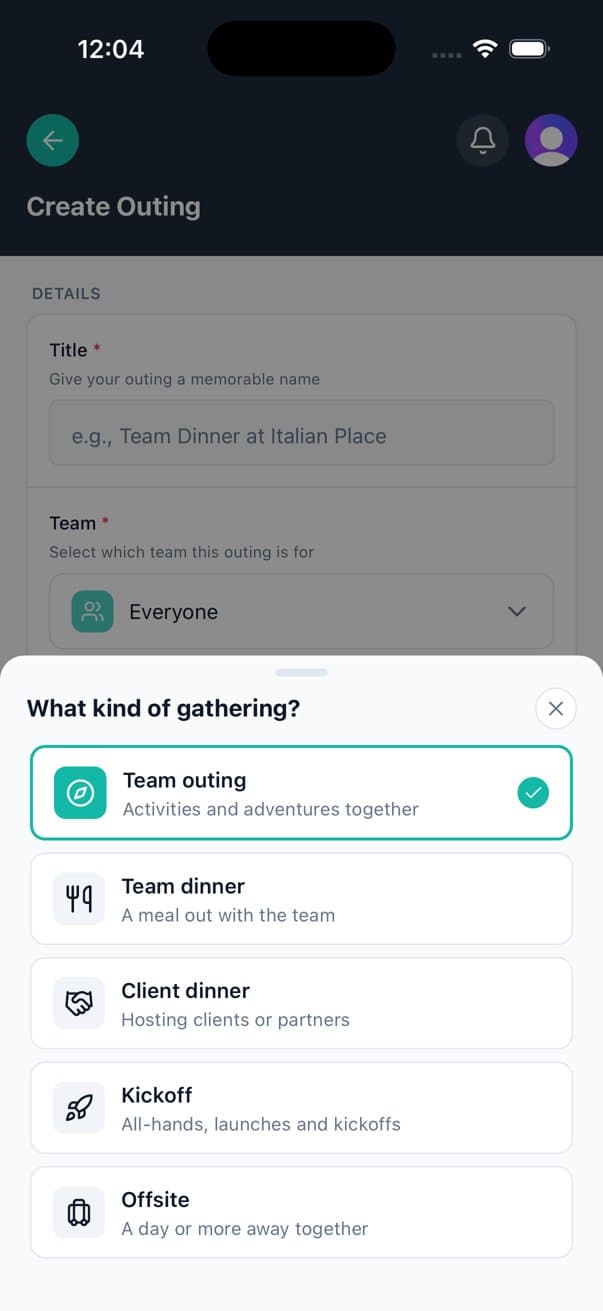




- Team outings
- Team dinners
- Client dinners
- Kickoffs
- Offsites
Everything the group chat was doing badly.
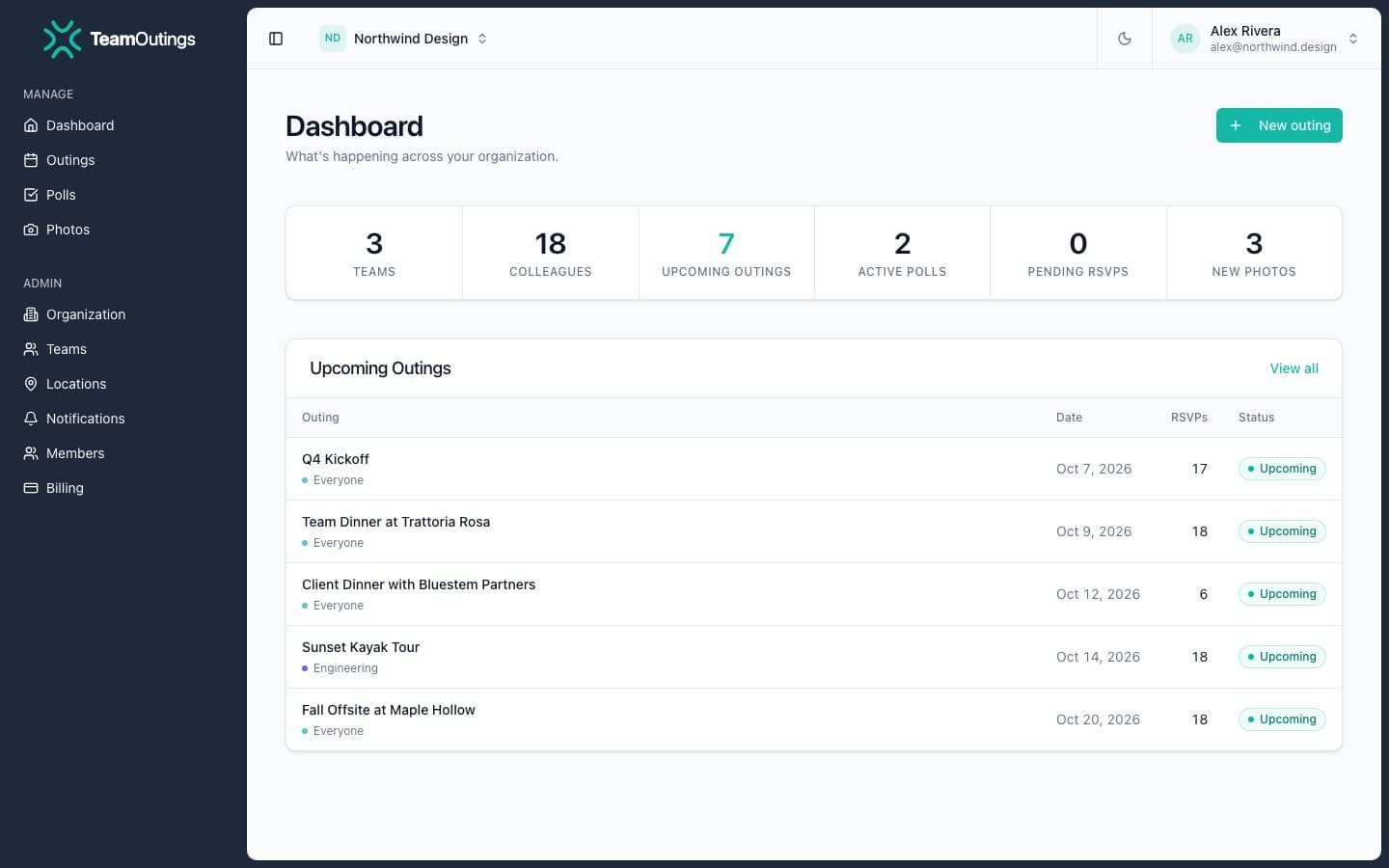
One place for the date, the place, the cost and who is coming. Your team answers in a tap from their phones, and you stop chasing replies.
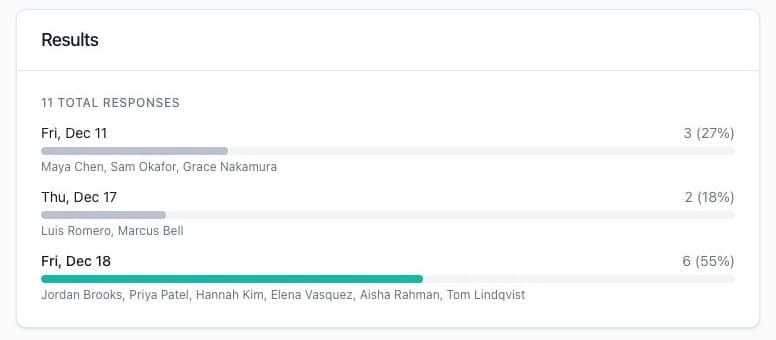
Polls that end the debate
Ask “Thursday or Friday?” and watch the votes come in from everyone's phones. Close it when you have your answer.
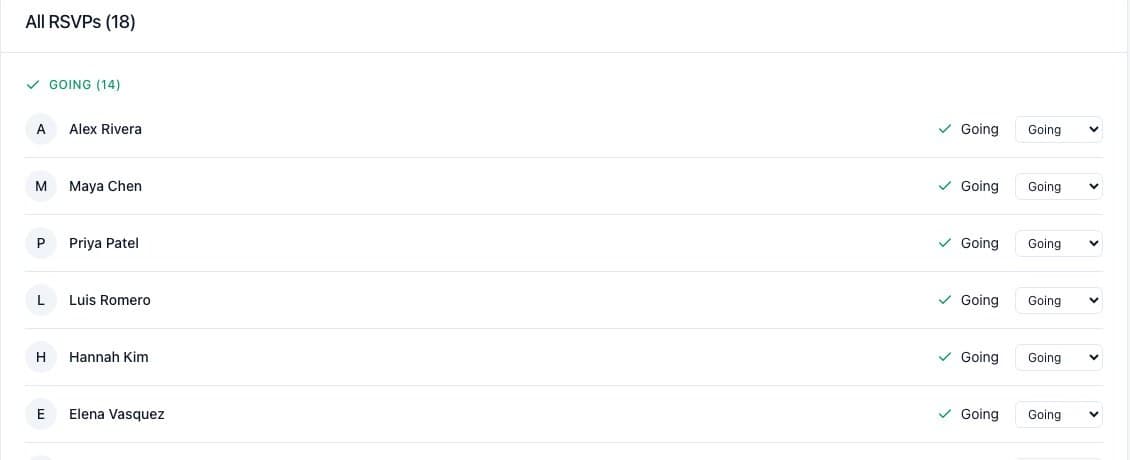
A real headcount, without chasing
Yes, no or maybe in one tap, with a note. The headcount updates live, and admins can fix an RSVP for someone who answered in the hallway.
From idea to headcount in three steps.
You set it up on the web or your phone; your team answers from theirs.
Create the outing
Pick the kind of gathering, a date and a place. Add a poll if the team should choose.
Invite the team
The outing shows up in the app for everyone on the team, and they RSVP in one tap.
Show up
Day-of details live in the outing chat. Afterward, everyone adds their photos to one album.
The part people remember.
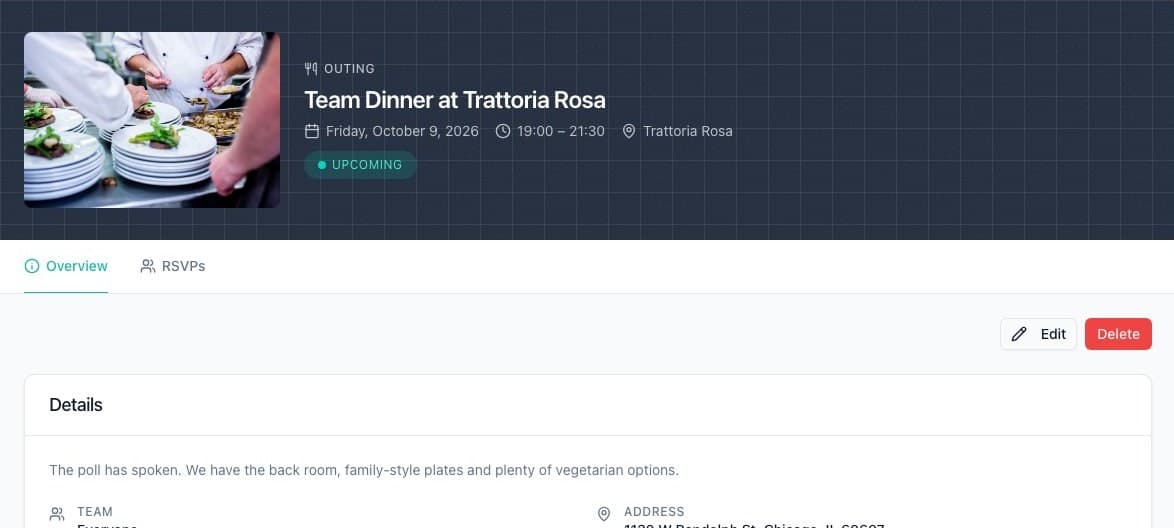
Where, when and what it costs

One album, not ten camera rolls
Pay for the people you invite.
Plan on your own for free. Bring your team on any plan below: every feature for everyone, and 14 days free to try it.
Team
Fits your team5 to 25 people
$3per person / month
$60 a month for 20 people
For a department or a small company.
Company
30 to 100 people
$2.75per person / month
$82.50 a month, billed for 30 people
For a growing company with a few teams.
Enterprise
120+ people
$2.50per person / month
$300 a month, billed for 120 people
For organizations with lots of teams and locations.
- Priority support
Every paid plan includes
- Invite your whole team to outings, polls and chat
- Shared photo albums for every outing
- iPhone, Android and web apps
- 14-day free trial
Just you for now? Free. Plan unlimited outings on your own, with polls, photos and chat.
Get started freeQuestions organizers ask
More answers in the help center.
Tap "Create Outing" in the app or on the web. Pick the kind of gathering, the team it is for, a date, time and place, and add a cost per person or capacity if you need them. You can edit the details later if plans change.
Everyone on the outing’s team can answer Yes, No or Maybe, with an optional note. The organizer sees every response and the headcount update live, and team admins can change an RSVP for someone who answered in person.
Yes, on your own: the Free plan lets you plan outings for yourself. Inviting your team needs a paid plan, priced per person, and every paid plan starts with a 14-day free trial.
Every outing has its own chat, on the web and in the app. Everyone on the outing’s team can read it and join in, so directions, last-minute changes and "running late" messages stay in one place.
Open the outing and upload photos from your phone or computer. People in your company can browse the album and like photos; on the web you can also download the originals.
Plan the next one in five minutes.
Start free. Invite your team when you're ready.